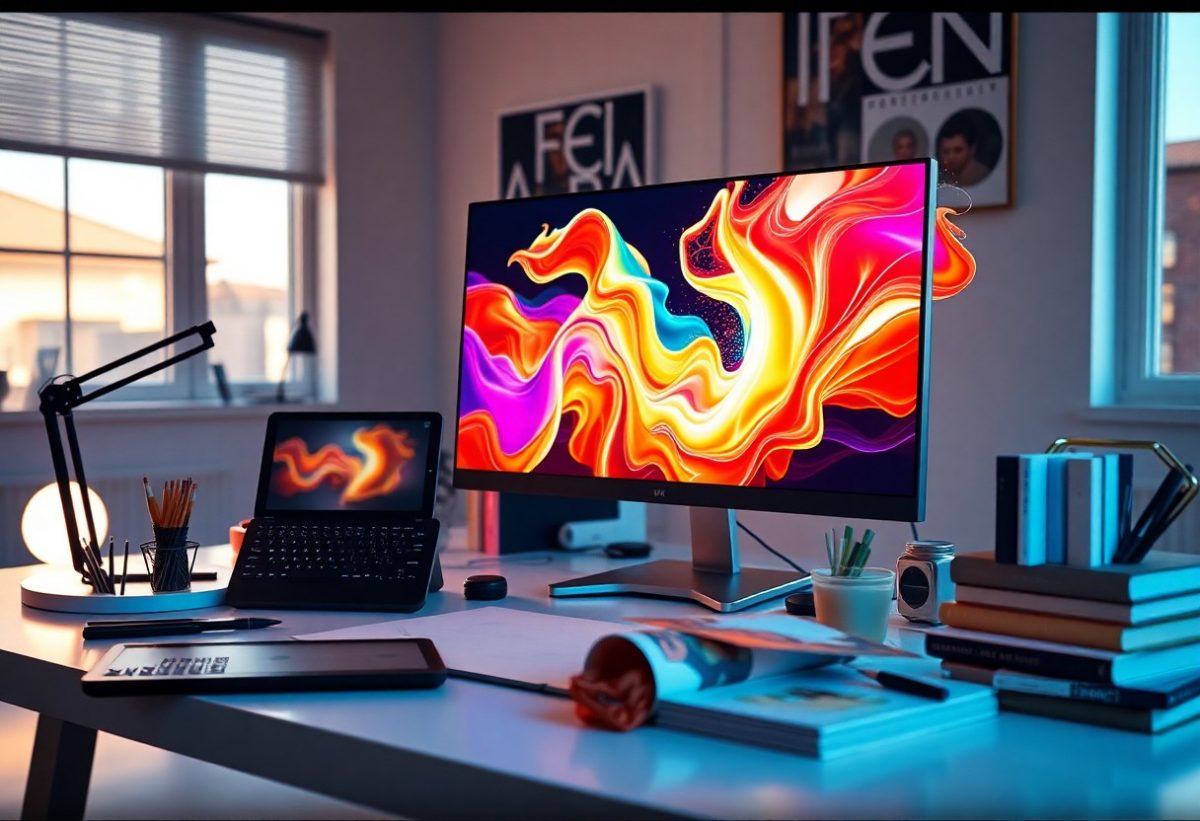
There’s a world of creativity waiting for you with AI-generated artwork, and I’m here to guide you through the process. With just a few simple steps, you can create stunning visuals that captivate and inspire. In this post, I’ll share my techniques and tips for leveraging AI tools effectively, enabling you to bring your artistic vision to life in no time. Let’s dive in and unlock the potential of AI to transform your creative projects.
Key Takeaways:
- Utilize user-friendly AI platforms that offer customizable templates and artistic styles for quick design options.
- Incorporate vibrant colors and unique patterns to enhance visual appeal and attract viewer interest.
- Experiment with various prompts and settings in the AI tool to discover diverse artistic outcomes.
Understanding AI-Generated Artwork
In my exploration of AI-generated artwork, I’ve discovered its profound impact on creativity and artistry. This innovative approach involves using algorithms and machine learning to create unique visuals that often reflect a blend of human influence and computational logic. With the ability to process vast datasets, AI can produce art that is both original and thought-provoking, challenging the traditional boundaries of artistic expression.
What is AI-Generated Artwork?
AI-generated artwork refers to visuals created through artificial intelligence algorithms that analyze existing art and generate new compositions. These systems utilize deep learning to interpret patterns and styles, crafting pieces ranging from abstract designs to intricate scenes. The result is a collaborative effort between human creativity and machine intelligence, reshaping how we define and appreciate art today.
Key Benefits of Using AI in Art Creation
Leveraging AI in art creation presents multiple advantages, including enhanced efficiency, limitless creativity, and accessibility for artists at all skill levels. You can create stunning visuals in just minutes, freeing up time for other creative pursuits. AI tools often provide a wide range of styles and options, allowing for diverse artistic exploration without requiring profound technical expertise.
Beyond speed and convenience, the use of AI fosters a new era of creative possibility. For instance, artists can experiment with styles ranging from impressionism to surrealism, generating pieces that might otherwise remain unrealized due to time or skill constraints. Platforms like DALL-E and Artbreeder empower you to create personalized art tailored to your vision, democratizing creativity and allowing ideas to flourish in unimaginable ways. This technological synergy transforms how I approach my artistic endeavors, as AI becomes an indispensable tool in my creative toolkit.
How to Choose the Right AI Tools
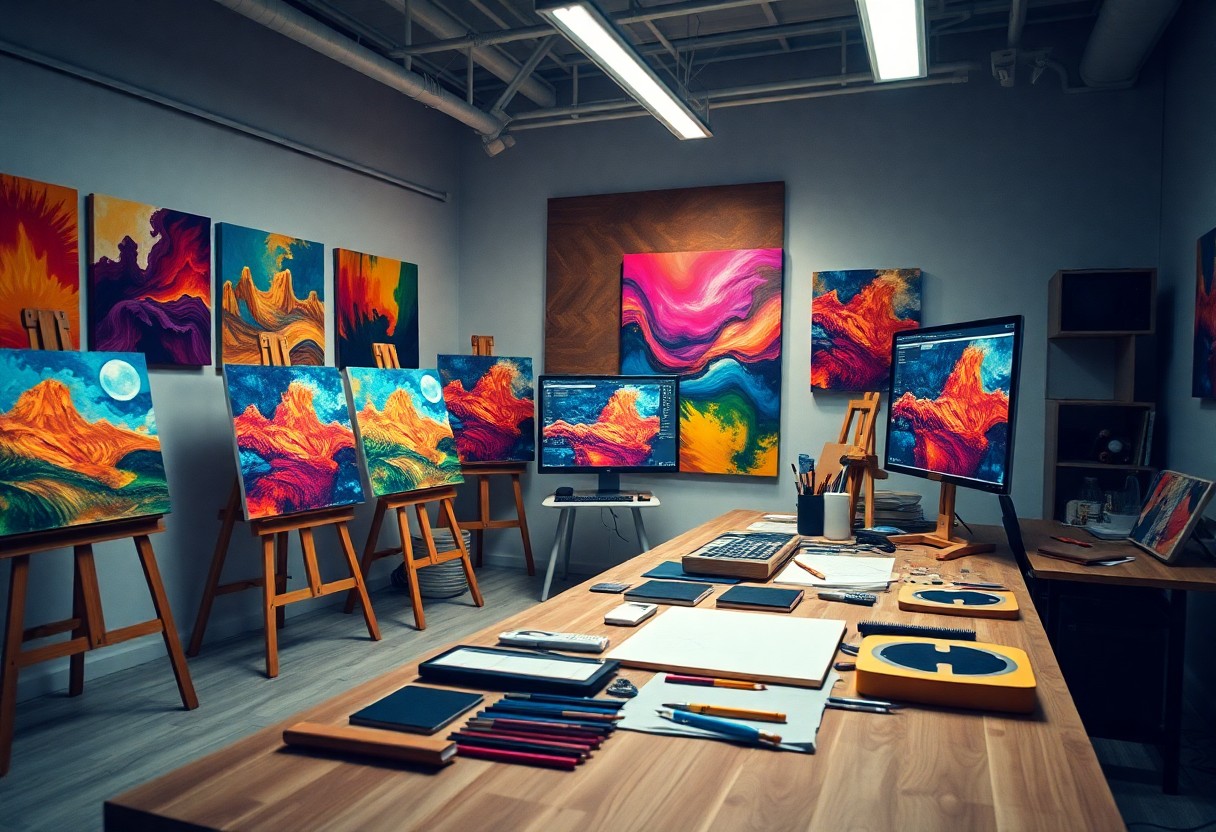
Selecting the appropriate AI tools for generating artwork can significantly elevate your creative process. Various platforms offer unique features and capabilities, allowing you to align your artistic vision with the right technology. Whether you are looking for simplicity or advanced customization options, exploring your choices will help you make an informed decision.
Top AI Art Generating Software
Among the most popular AI art generators, tools like DALL-E 2, Midjourney, and Artbreeder stand out for their versatility and quality. Each program provides unique functionalities, allowing you to create stunning visuals in styles ranging from abstract to hyper-realistic. Experimenting with these platforms can lead to impressive results within moments.
Factors to Consider When Selecting Tools
When choosing AI tools, you should evaluate several factors to ensure they meet your needs. Assess usability, output quality, and integration capabilities with other design software. Price points also matter, as many platforms provide free trials, which can help gauge their effectiveness for your projects. Assume that your choice of tool can greatly influence your creative outcomes.
- Usability and learning curve
- Quality of AI-generated images
- Customization options
- Integration with existing software
- Cost and trial availability
The effectiveness of your selected tools directly impacts the quality of your artwork. For instance, some platforms may excel in generating abstract art but falter in producing realistic depictions. It’s necessary to test various AI generators to find those best suited for your artistic style. You should also consider the community and support each tool offers. Assume that engaging with a supportive user community can enhance your learning experience and provide valuable resources.
- Community support and resources
- Unique features specific to your style
- Updates and innovation frequency
- User reviews and case studies
Crafting Your Vision
Formulating your artistic vision is important to creating compelling AI-generated artwork. Knowing what themes, emotions, or concepts you want to convey will streamline the design process. Start by visualizing your ideal piece; this mental sketch serves as a foundation. Your art can express personal stories, tackle social issues, or simply explore aesthetic beauty. The focus you put into this phase will guide your subsequent choices in prompts and styles.
Tips for Brainstorming Ideas
Generate a diverse range of ideas by exploring different sources of inspiration. I often find that free writing, mind mapping, or even engaging with nature can spark creativity. Consider these strategies:
- Keep a visual journal to collect images and themes.
- Use art prompts from online communities.
- Collaborate with other creatives to exchange perspectives.
- Draw inspiration from music, literature, or films.
- Experiment with colors and forms in sketches.
The combination of these techniques can ignite your imagination and lead to innovative concepts.
Translating Concepts into Prompts
Once you have a clear vision, translating that into prompts is key for effective AI art generation. Think about the specific elements that convey your concept. I break down my vision into adjectives, nouns, and techniques, which helps me craft prompts that are both clear and descriptive. Start by identifying core themes, then relate them to visual motifs or styles that embody those ideas. The more detailed and focused your prompts, the closer the AI-generated artwork will align with your creative intent.
Fine-Tuning AI Parameters
Adjusting AI parameters can significantly enhance the quality and uniqueness of your artwork. Tuning these settings allows you to better align the output with your artistic vision, yielding results that resonate with your intended themes and styles. By selective adjustments, you can control aspects such as color, style intensity, and detail level, leading to a more refined and impactful creation.
Important Settings to Adjust
To achieve remarkable visuals, focus on variables like style strength, iteration count, and aspect ratio. Style strength adjusts how closely the generated artwork adheres to your specified artistic style, while a higher iteration count generally improves quality and detail. Setting the aspect ratio to fit your desired format ensures your artwork is presented effectively.
Experimentation Techniques for Unique Results
Creative experimentation can yield surprising and fantastic results in your AI artwork. By utilizing random seeds, combining styles, or toggling settings like creativity limits, you open the door to a vast range of possibilities. Variations can lead to unexpected aesthetics, giving your work a distinct look and feel that stands out in a crowded digital landscape.
To effectively experiment, consider generating multiple variations of a single concept using different seeds and settings. This can produce an array of interpretations, allowing you to select elements that resonate most with your vision. For instance, blending two contrasting styles can lead to innovative outcomes. Additionally, try manipulating parameters such as gradient and saturation to explore how they affect the overall impact of your artwork. Embrace the serendipity of the process; sometimes the best results come from the unexpected. Taking the time to play with these adjustments can truly elevate your artistic expression.
Enhancing Your Artwork
Once you’ve generated your AI artwork, enhancing it can elevate its appeal significantly. I focus on adjustments that bring out the best features of the piece. This might include tweaking colors for vibrancy, refining details for clarity, and applying filters or effects to create atmospheres that resonate with your vision. Each modification deepens the artwork’s connection to your artistic intent, making it more memorable for viewers.
Post-Processing Tips
To truly amplify the impact of your AI-generated artwork, consider these post-processing tips. Start by using software like Photoshop or GIMP to adjust brightness and contrast, enhancing the visual dynamics. Add layers for texture and depth, and experiment with color grading to align the piece with your style. Don’t shy away from cropping to improve composition. Lastly, exporting in high resolution ensures clarity across different platforms. Recognizing the power of these tools can transform an already-great piece into a stunning work of art.
Techniques for Adding Personal Touches
Incorporating personal touches into your artwork helps convey your unique perspective. I often blend elements from my favorite styles or themes, mixing and matching features that resonate with me. Additionally, consider adding hand-drawn elements or textures over your digital work to create a hybrid feel. This not only enhances creativity but also personalizes the piece, allowing it to stand apart from others. Such techniques bridge AI generation with human expression, granting your art a distinctive signature.
In my experience, merging personal touches into AI-generated artwork yields a fascinating result. For example, by overlaying my hand sketches or custom patterns, I create a dialogue between the digital and traditional mediums. This fusion not only highlights my artistic identity but also invites viewers to see familiar elements in unexpected places. Integrating my favorite color palettes or themes into the piece can evoke nostalgic feelings, making the artwork more relatable. This practice not only enriches the visual experience but also offers a chance to strengthen my creative voice in a rapidly evolving art landscape.
Sharing and Showcasing Your Work
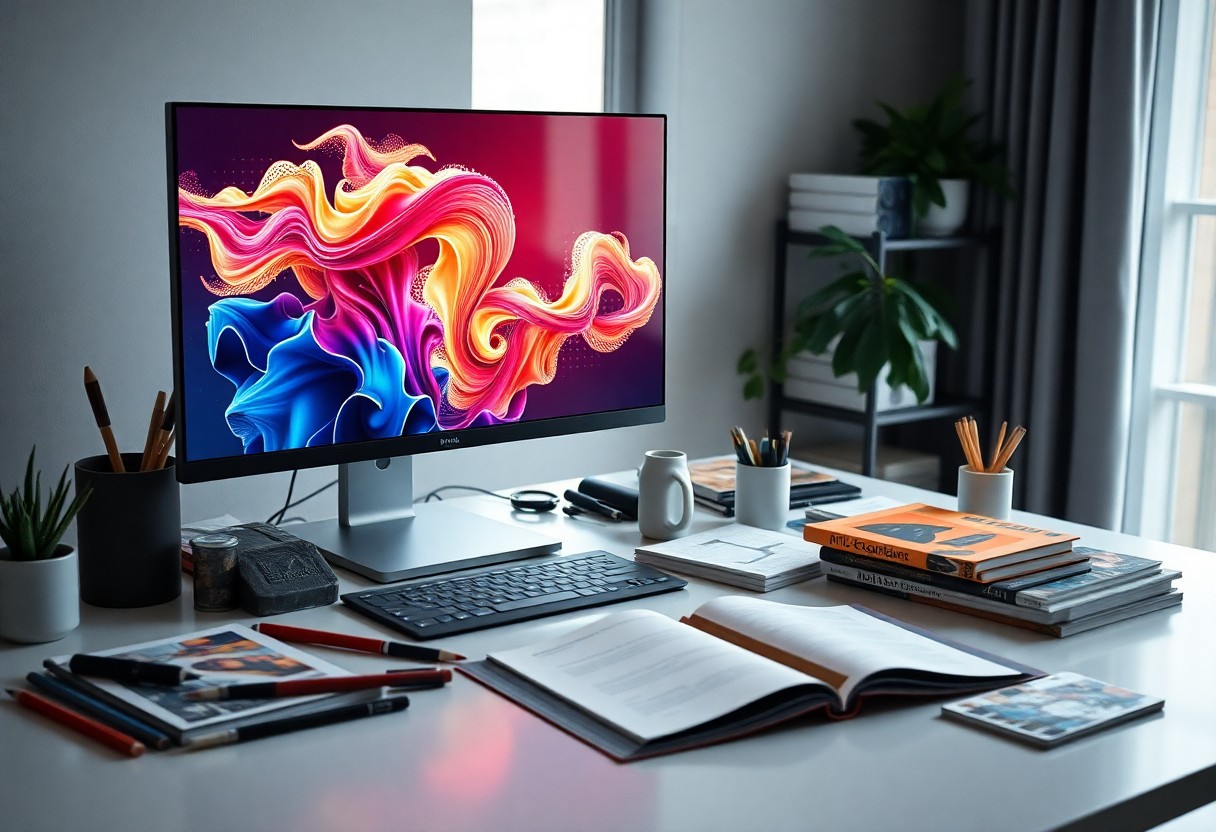
Once you’ve created your AI artwork, sharing it with others can amplify your reach and impact. Engaging with a community allows for feedback, collaboration, and growth as an artist, so utilizing various platforms to showcase your work is key to your success.
Best Platforms for Displaying Art
Platforms like Instagram, DeviantArt, and ArtStation are popular choices for artists to display their work. Each platform offers unique features, such as Instagram’s visual storytelling and ArtStation’s professional network, allowing you to tailor how you present your artwork to different audiences.
Strategies for Building an Audience
Building an audience involves consistency and engagement. Regularly post your artwork, interact with followers through comments and messages, and utilize hashtags effectively to reach potential fans. Collaborating with other artists can also enhance visibility and attract their audience to your work.
To further expand your reach, consider hosting virtual exhibitions or live streams where you can create art in real-time and discuss your process. Engaging content, like tutorials or behind-the-scenes looks at your creation process, can captivate viewers and encourage them to share your work. Additionally, joining relevant art groups on social media platforms can connect you with like-minded individuals eager to support and promote fellow artists.
Summing up
Hence, I believe that by following these steps, you can effortlessly create stunning AI-generated artwork that captures attention and conveys your unique vision. By experimenting with different tools, styles, and techniques, you can refine your skills and develop your own artistic voice. Don’t shy away from exploring the possibilities AI offers; it’s a powerful ally in the creative process that can help you achieve remarkable results in just minutes.
FAQ
Q: What tools can I use to create AI-generated artwork quickly?
A: There are several user-friendly platforms available, such as DeepArt, Artbreeder, and Runway ML. These tools often come with pre-built templates and styles that allow users to generate unique artwork in just a few clicks.
Q: How can I customize AI-generated artwork to make it my own?
A: Customization can be achieved by adjusting the input parameters and combining different styles or images. Many platforms offer options to modify aspects like color palettes, textures, and shapes, enabling users to infuse their personal touch into the final design.
Q: What are some tips for improving the quality of AI-generated artwork?
A: To enhance the quality, consider starting with high-resolution images as inputs and experimenting with various algorithms. Additionally, refining the output through image editing software can help achieve a more polished look. Utilizing feedback features in some AI tools can also guide users toward better results.